![Loopfront-1.svg]](https://knowledgebase.loopfront.com/hubfs/Loopfront-1.svg)
By default, the Inventory section is hidden for Buyer, Buyer/Seller and Observer roles. This is to easily distinguish between products that are available on the marketplace for ordering by all users, and products in inventory that are either in use, under review, or planned for reuse in specific projects.
However, occasionally, making the Inventory available to Observers and Buyers may be relevant. For example in projects where external partners want to see both the surplus items and assess what's reserved for the project. They may want to both products in the marketplace, as well as what you plan to take to the next building where they will provide services.
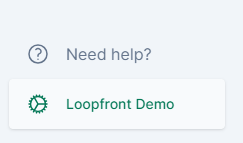
To change the settings on the respective roles, access the Organization settings page by clicking on the gears icon in the bottom left corner.
The first page you land on is the Organization settings page and the Users tab.
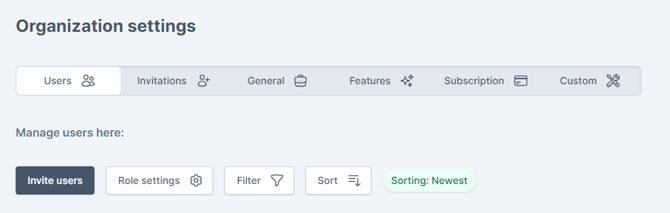
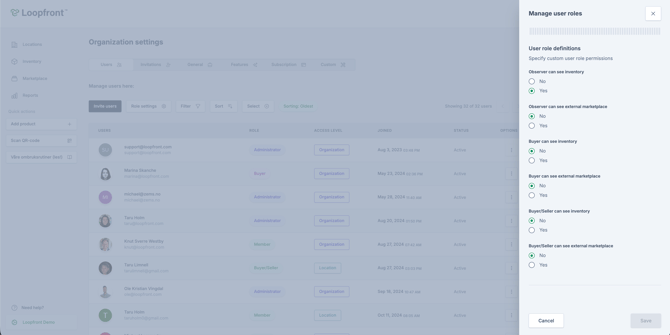
Coincidentally, this is where the Role settings appear. click on the button, and a slide-in panel arrive on the right side of your screen. Here you can turn on or off the user roles' permissions to see the inventory.
Remember to click save when done.