![Loopfront-1.svg]](https://knowledgebase.loopfront.com/hubfs/Loopfront-1.svg)
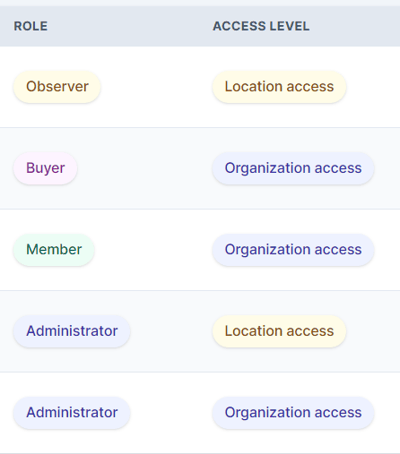
Access level
- Organization: access to the entire Inventory of all locations in the organization
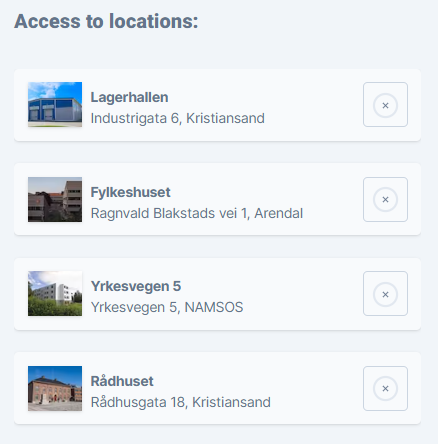
- Location: access to the entire Inventory of only selected locations.
All users always have access to all listings from all locations on the Marketplace.
Roles
- Administrator: access to all functionality in the platform. Administrators can change access levels or roles for other users and control settings for which users roles should have access to see the inventory.
- Member: access to all functionality except feature enabling.
Members can add locations, invite new users up to the Member level, excluding Administrators. Members can not view the feature tab on the Settings page. - Buyer/seller: access to all marketplace functionality, except user invitations and adding locations. Buyer/seller is an in-between role that is supposed to be able to both buy and sell at the Marketplace. Buyer/sellers can not view the Reports page
- Buyer: access to see the marketplace and place orders (and cancel their own orders).
Buyers can not view the Reports page or the Settings page (i.e. the user list). - Observer: read-only access. Is not allowed to place orders.
Observers can not view the Reports page or the Settings page (i.e. the user list).